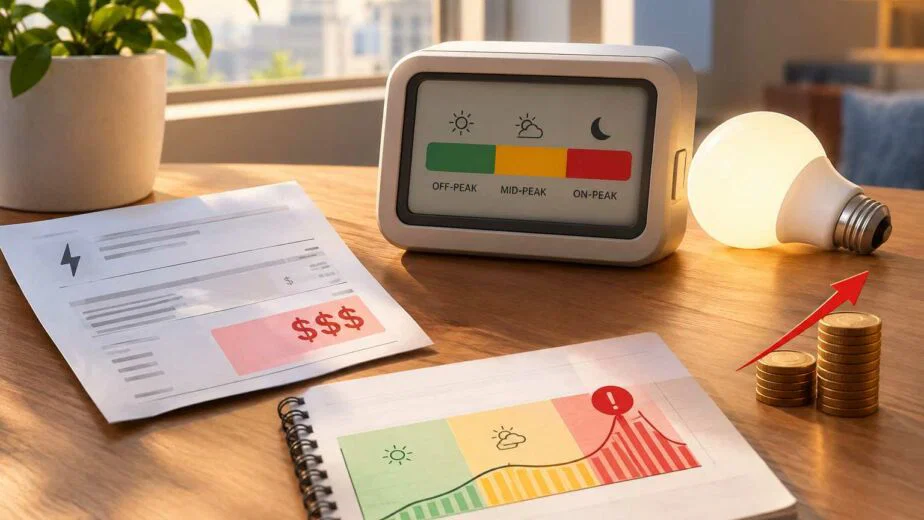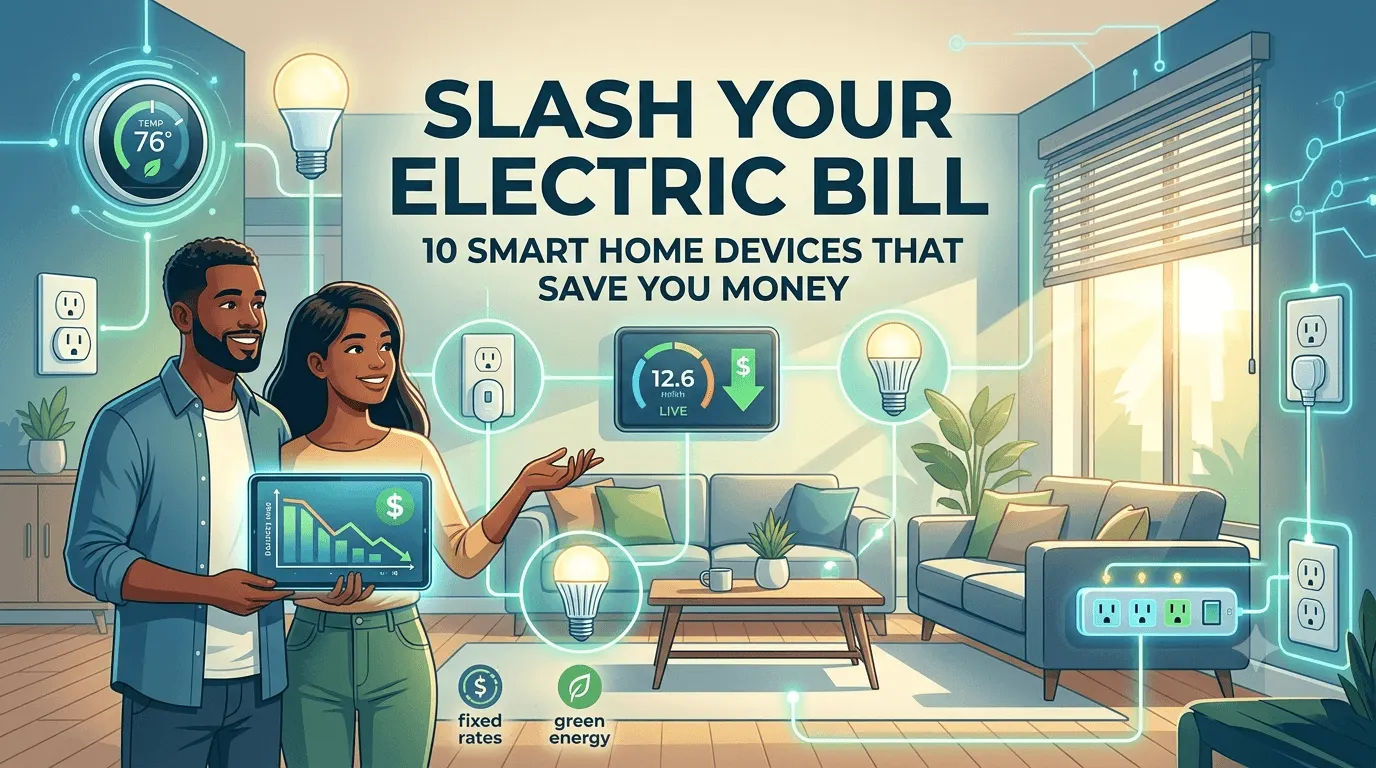
Your electric bill went up again. You didn’t move, you didn’t add a hot tub, and the summer wasn’t even that brutal but the number at the bottom of the page keeps climbing anyway. If that sounds familiar, you’re not imagining it. Rates across New York and Pennsylvania have been trending upward for years, and most households are still running their homes the same way they did a decade ago. Smart home devices won’t fix a bad rate plan, but paired with the right one, they can take a real bite out of what you owe every month.
Below are ten devices worth the money, plus a few things worth knowing about why your electricity bill is what it is in the first place.
TL;DR
- Your electric bill isn’t random, it’s driven by your rate plan and how much your home wastes without you noticing.
- 10 devices worth buying: smart thermostat, smart plugs, LED bulbs, energy monitor, smart power strips, water heater controller, energy efficient appliances, smart blinds, smart ceiling fans, and a home energy hub.
- Devices cut usage. They don’t fix a bad rate. That’s a separate problem.
- NY and PA are deregulated, so you can switch suppliers without touching your wiring or losing outage coverage from your utility.
- Some ESCOs use teaser rates that spike after a few months. Check for fixed pricing before you sign anything.
- Passive customers on default utility rates leave 15–30% in savings on the table.
- City Power & Gas offers fixed rates, a renewable option, and a 90-day guarantee if the plan isn’t a fit.
Why Your Electricity Bill Keeps Climbing (Even When Your Habits Don’t Change)
Before the device list, a quick reality check. Two things drive most of the increase: your utility’s default rate, and how much energy your home wastes without you noticing. The first one is fixable in about ten minutes more on that later. The second is where smart home devices come in.
Homes on default utility rates often don’t realize they even have a choice. In deregulated markets like NY and PA, you can shop your supply rate the way you’d shop for car insurance. Most people never do, and it costs them.
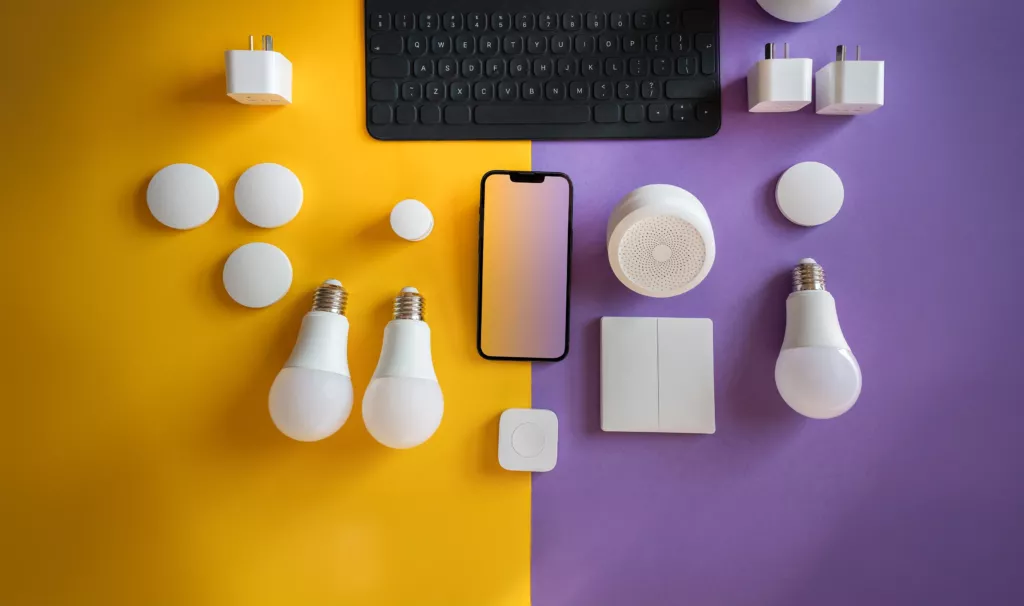
1. Smart Thermostats
This is the one everyone recommends, and it earns the spot. A smart thermostat learns your schedule when you’re home, when you’re not, when you like it cooler and stops heating or cooling an empty house. Brands like Nest and Ecobee typically pay for themselves within a year for households running HVAC systems daily.
What makes them worth the upgrade over a basic programmable thermostat is the learning curve or lack of one. You don’t have to sit down and manually build a schedule, most models start adjusting on their own within a week or two based on when you actually touch the dial. Add geofencing (the thermostat knows when your phone has left the house) and you stop paying to heat or cool a place nobody’s in, without having to remember to do anything at all.
Best for: homeowners with central heat/air who are tired of guessing at the dial.
2. Smart Plugs and Outlets
Cheap, easy, and criminally underused. Smart plugs let you schedule or remotely kill power to anything plugged into them, chargers, lamps, the coffee maker nobody remembers to unplug. A lot of electronics pull “phantom” power even when switched off, and a smart plug is the easiest way to stop paying for standby mode.
Best for: renters who can’t install anything permanent but still want control.
3. Smart LED Lighting
Swapping bulbs sounds too simple to matter, but LED lighting uses a fraction of the energy of traditional bulbs, and smart bulbs add scheduling and dimming on top of that. Set them to shut off automatically when a room’s empty and you’ll stop paying to light a hallway nobody’s standing in.
4. Energy Monitoring Systems
You can’t cut what you can’t see. Whole-home energy monitors (like Sense or Emporia) plug into your breaker panel and show, device by device, what’s actually driving your usage. Most people are surprised by the culprit, it’s rarely the one they expected.
5. Smart Power Strips
An upgrade on the smart plug idea for entertainment centers and home offices. These strips detect when a “master” device (like a TV or computer) powers down, then cuts power to everything connected to it, game consoles, speakers, monitors. No more paying to keep six devices on standby for one you’re using.
6. Smart Water Heater Controllers
Water heating is one of the biggest hidden costs in a home, often trailing only HVAC. Most tanks run on a set-it-and-forget-it cycle, keeping water hot around the clock whether anyone’s showering or not. A smart controller lets you schedule heating around your actual usage, no need to keep 50 gallons hot at 3 a.m. Some models even send alerts before a leak becomes a flood, which can save a lot more than a utility bill.
Best for: households with an older tank-style heater who aren’t ready to replace the whole unit.
7. Energy Efficient Appliances
When it’s time to replace a washer, dryer, or refrigerator, energy efficient appliances with smart connectivity are worth the slightly higher upfront cost. They run diagnostics, adjust cycles based on load, and many let you schedule heavy-use appliances for off-peak hours, which matters more than people think under time-of-use pricing.
8. Smart Blinds and Window Coverings
Not the first device people think of, but a surprisingly effective one. Automated blinds close during peak sun to reduce cooling load in summer and open during the day in winter to bring in free heat. Pair them with your thermostat’s schedule and your HVAC system does noticeably less work.
9. Smart Ceiling Fans
A fan doesn’t cool a room, it cools people which means running your AC a few degrees warmer with a smart fan circulating air can feel just as comfortable while using far less power. Smart models adjust speed automatically based on room temperature and occupancy.
10. Home Energy Management Hubs
The last device on this list ties the rest together. A central hub connects your thermostat, plugs, lighting, and energy efficient appliances into one system, letting you set whole-home routines like “away,” “sleep,” “vacation” instead of managing ten apps separately. For households that go all-in on smart home devices, this is what turns individual savings into a genuinely lower electric bill.
The Part Most Smart Home Guides Leave Out: Your Rate Plan Matters More Than Any Gadget
Here’s the uncomfortable truth: you can buy every device on this list and still overpay if you’re stuck on a bad rate. The smart home devices reduce how much energy you use. Your rate plan determines what you pay per unit of that energy. Both matter, but only one of them takes ten minutes to fix.
A few things worth knowing if you’ve never shopped your energy supply before:
- You’re allowed to switch. In deregulated states like New York and Pennsylvania, your utility (Con Edison, PPL, PECO, National Grid, and others) still delivers your power and handles outages but you can choose who supplies it. Switching doesn’t mean a truck shows up to change your wiring.
- Passive customers pay the highest rates. People who stay on their utility’s default rate without ever comparing options are, on average, leaving 15–30% in savings on the table. That’s often a bigger swing than anything a smart plug will get you.
- Not every ESCO plays fair. New York’s Public Service Commission has flagged pricing complaints across the industry, and there’s a reason variable-rate teaser plans that spike after a few months are common enough that regulators track them separately. Big names like Constellation, Direct Energy, and Energy Harbor dominate ad space, but electric bill spikes and confusing rate structures are frequent complaints against the category as a whole. So are the “green” plans marketed by providers like Clean Choice Energy and Clean Sky Energy, which are sometimes priced at a premium that isn’t clearly explained upfront.
This is the piece City Power & Gas built its whole model around. Instead of a teaser rate that jumps in month four, CPG offers fixed pricing you can actually plan around, a straightforward renewable option for households that want it, and a 90-day satisfaction guarantee , so if the plan isn’t working for you, you’re not locked into it. It’s a smaller list of promises than most ESCOs make, but they’re ones the company actually keeps.
Conclusion
Ten smart home devices and a smarter rate plan solve two different halves of the same problem. The devices cut waste. The rate plan makes sure you’re not paying more than you should for what’s left. Do one without the other and you’ll still see a bill you’re not happy with.
If you’ve never compared your current rate against what’s actually available in your area, that’s the highest-leverage ten minutes you can spend this month, well ahead of adding another gadget to the smart home setup. Start with whichever feels most doable: install a smart plug this weekend, or check what a fixed, transparent rate from a provider like City Power & Gas would actually save you. Either way, the bill doesn’t have to keep climbing on its own.
FAQs
Is there any device that can reduce your electricity bill?
Yes. Some devices can help reduce electricity use by controlling when and how much energy your home consumes.
- Smart thermostats can adjust heating and cooling based on schedules and occupancy.
- Smart plugs can help control individual appliances and electronics.
- Energy monitors show how much electricity specific devices or areas of your home are using.
- Smart power strips can reduce standby power by cutting electricity to connected devices when they are not being used.
The potential savings depend on your home’s energy use and how the device is used. A device that helps control a major energy user, such as an HVAC system, can have a greater impact than one used for a small electronic device.
What runs up your electric bill the most?
Heating and cooling systems are often among the largest electricity users in a home, particularly during periods of extreme hot or cold weather.
Other major energy users can include:
- Electric water heaters
- Clothes dryers
- Electric ovens and ranges
- Refrigerators and freezers
- Pool pumps
- Space heaters
The actual impact varies by home. The best way to identify what is driving your bill is to look at your kWh usage and consider which appliances run frequently or for long periods.
What is the simple trick to cut your electric bill?
There isn’t one trick that works for every household. A practical starting point is to reduce energy use from the systems and appliances that operate the most.
Try these simple changes:
- Adjust your thermostat when you’re asleep or away.
- Use LED lighting and turn off unnecessary lights.
- Run full loads in your washer and dishwasher.
- Clean or replace HVAC filters regularly.
- Reduce standby power from electronics.
- Use appliances such as dryers and ovens efficiently.
Small changes can add up, but focusing on major energy users generally has a larger effect than trying to reduce electricity use from small devices individually.
Does the energy saver device really work?
Some energy-saving devices can reduce electricity use, but their effectiveness depends on what the device actually does.
Devices with a specific energy-management function can be useful, including:
- Smart thermostats that manage heating and cooling schedules
- Energy monitors that identify high-energy appliances
- Smart plugs that control connected devices
- Smart power strips that reduce standby power
Be cautious with generic plug-in products that claim to dramatically reduce your electricity bill without explaining how they reduce energy consumption. A legitimate energy-saving device should have a clear mechanism for reducing or controlling electricity use.
What wastes the most electricity in a house?
The largest sources of wasted electricity often come from heating and cooling inefficiencies, poor insulation, inefficient equipment, and unnecessary appliance use.
Common examples include:
- Running heating or air conditioning when nobody is home
- Dirty HVAC filters restricting airflow
- Air leaks around doors and windows
- Older or inefficient appliances
- Leaving electronics running when they aren’t needed
Reducing energy waste starts with identifying where your home is using the most electricity rather than focusing only on individual light bulbs or small electronics.
What can I unplug to lower my electric bill?
You can unplug electronics that remain in standby mode when they aren’t being used.
Common examples include:
- Gaming consoles
- TVs and streaming devices
- Desktop computers and monitors
- Printers
- Speakers and entertainment systems
- Chargers and other electronics
You don’t need to unplug essential appliances such as refrigerators. For groups of electronics that are used together, a smart power strip can make it easier to disconnect several devices at once.
Does turning off lights really save energy?
Yes. Turning off lights when they aren’t needed prevents them from consuming electricity during that time.
The savings become more noticeable when lights are left on for long periods or when multiple lights are involved. You can also reduce lighting-related electricity use by:
- Switching from incandescent bulbs to LEDs
- Using natural light when practical
- Turning lights off when leaving a room
- Using timers or smart controls for lights that are frequently forgotten
Lighting is only one part of household electricity use, so larger savings may come from addressing heating, cooling, water heating, and other major energy consumers.
Does your electric bill go up if you keep things plugged in?
It can. Some electronics consume a small amount of electricity while plugged in, even when they appear to be turned off. This is commonly called standby power or phantom energy.
The amount used by an individual device is usually small, but consumption can add up when many devices remain connected continuously.
You can reduce standby electricity by:
- Unplugging electronics that aren’t used regularly
- Using switched outlets
- Connecting groups of devices to a smart power strip
- Turning off equipment completely when appropriate
The potential savings will depend on how many devices you have and how much standby power they consume.
Does switching appliances off at the plug save electricity?
Yes, if the appliance or electronic device continues to consume standby power when it appears to be off. Cutting power at the plug prevents that standby consumption.
This can be useful for electronics such as:
- TVs and entertainment systems
- Gaming consoles
- Computers and monitors
- Printers
- Chargers
For appliances that need continuous power, such as refrigerators, switching them off at the plug is not appropriate. A smart power strip can be useful for electronics that are used together and don’t need to remain powered continuously.
Why is my electric bill suddenly so high?
A sudden increase can happen even if your daily habits haven’t changed. Start by comparing your current bill with previous bills and check your kWh usage.
Possible causes include:
- More heating or air conditioning due to weather
- Longer appliance operating times
- An inefficient or malfunctioning appliance
- Changes in electricity supply rates
- Changes in delivery charges or other bill components
- Higher household electricity use
If your kWh usage stayed similar but the total bill increased, the cause may be related to the rate or other charges rather than increased consumption. In states with deregulated electricity markets, eligible customers can also compare available supply plans to understand whether their current electricity rate is competitive.